Education
Schools, universities and training centers
- Teach PLC programming without physical trainers.
- Train a whole class at once; share licenses with students using share codes.
- Instructor mode for exercises and fault-finding challenges.
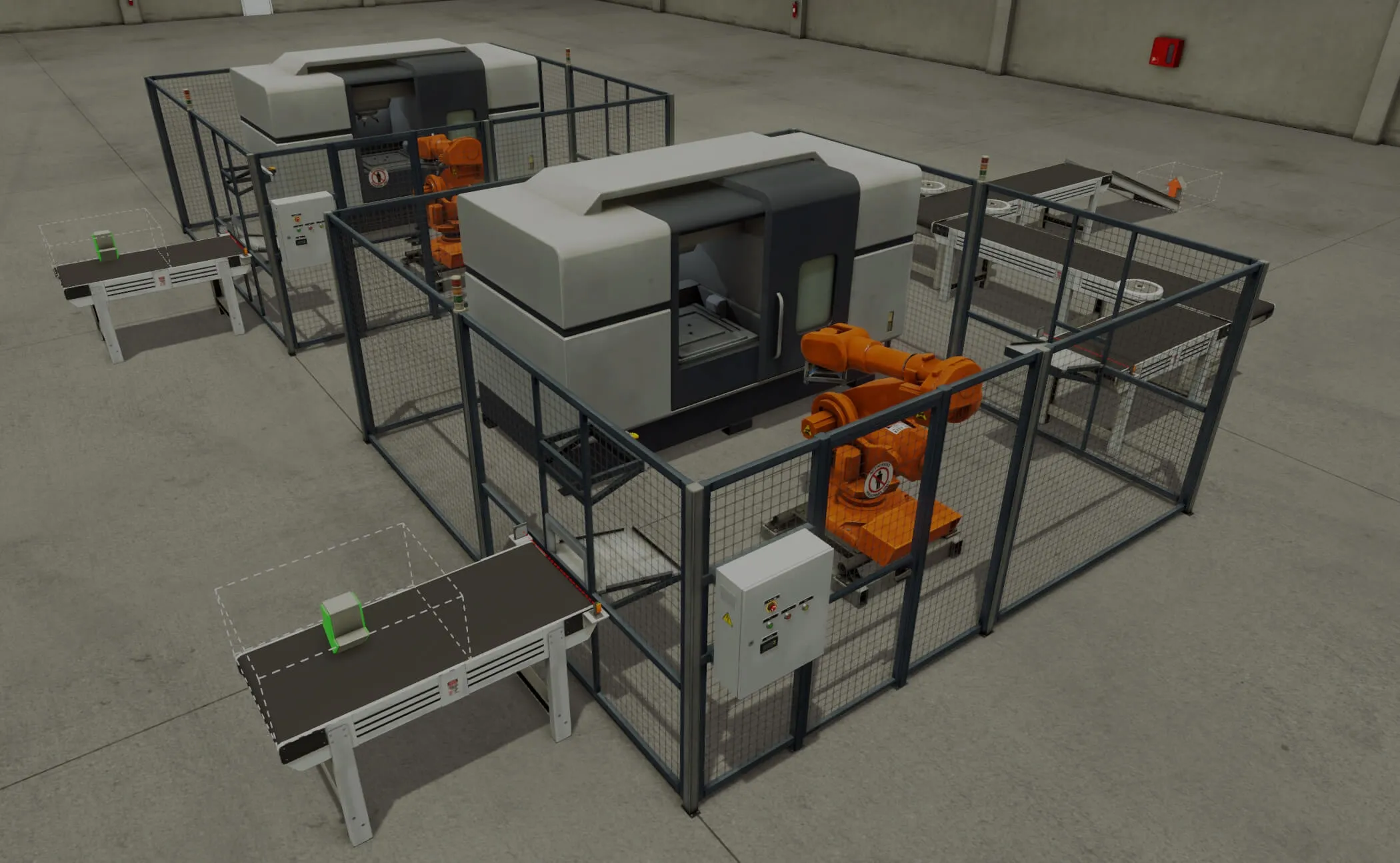
Build and control a virtual factory with the PLCs you already use. 20+ industrial scenes, a library of parts, and no risk to people or equipment.
Full Ultimate Edition · 30 days · Windows




















Battle-tested in training rooms and plants since 2014
How it works
01
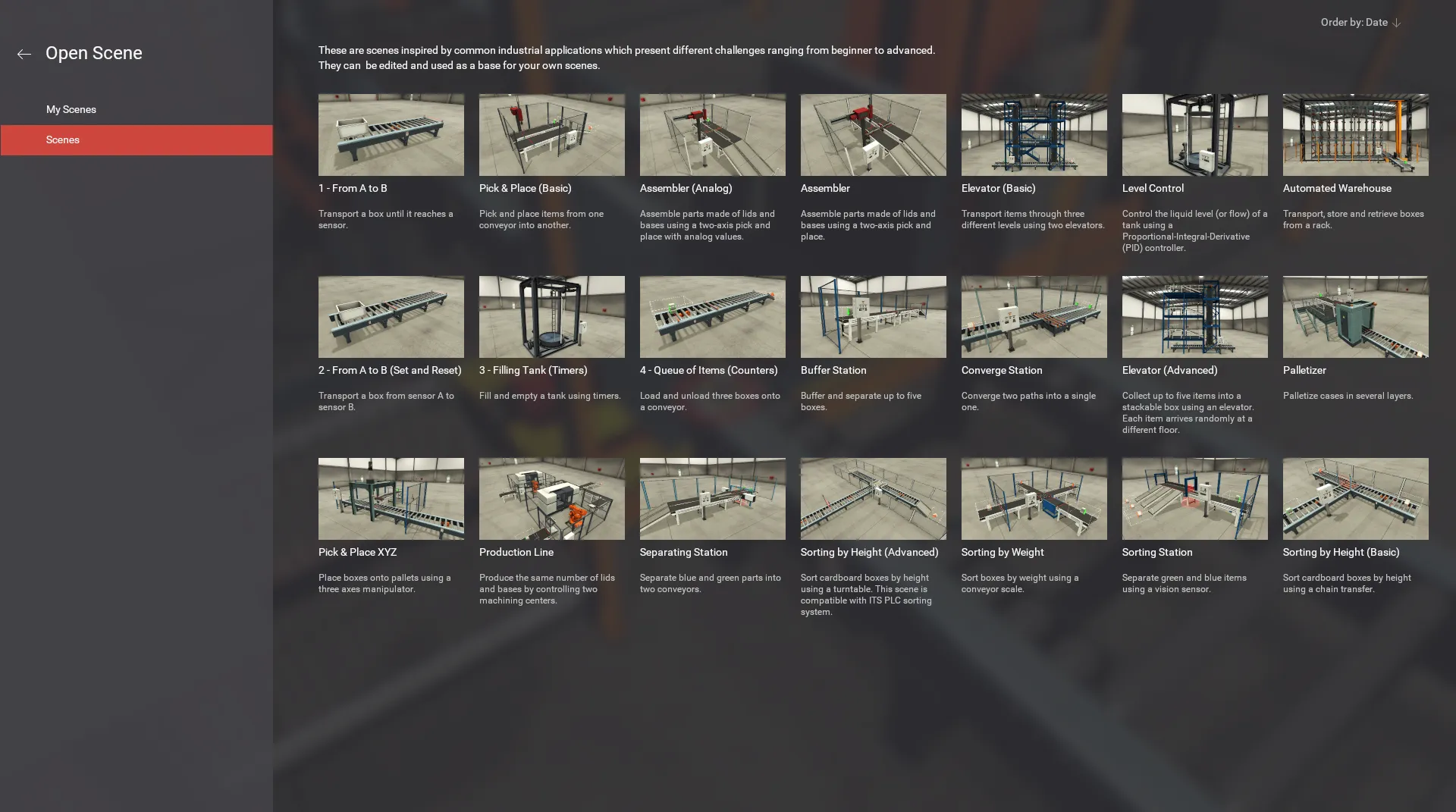
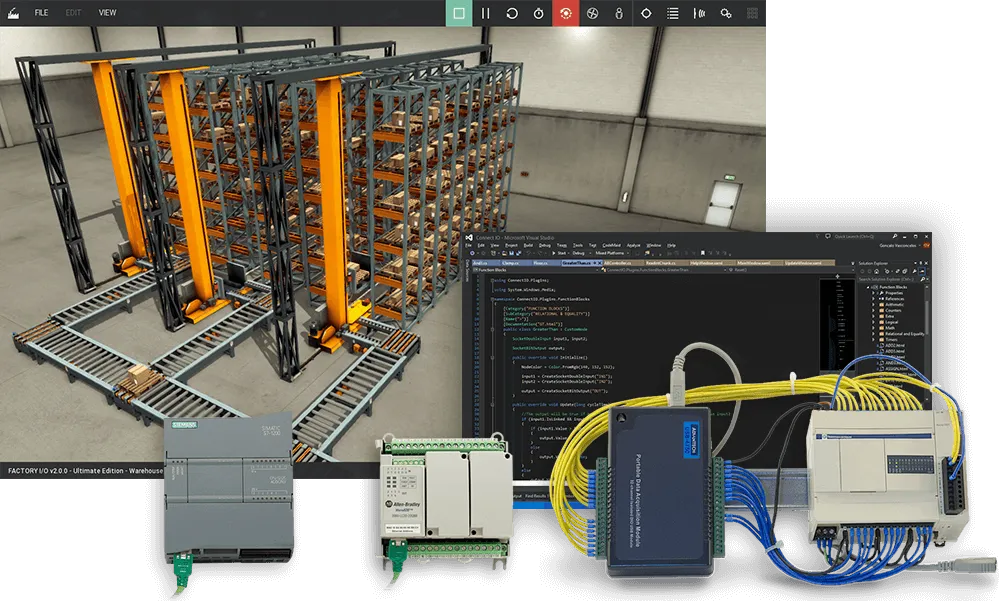
Start from 20+ scenes inspired by common industrial applications, from a simple conveyor to an automated warehouse, or build your own.
02
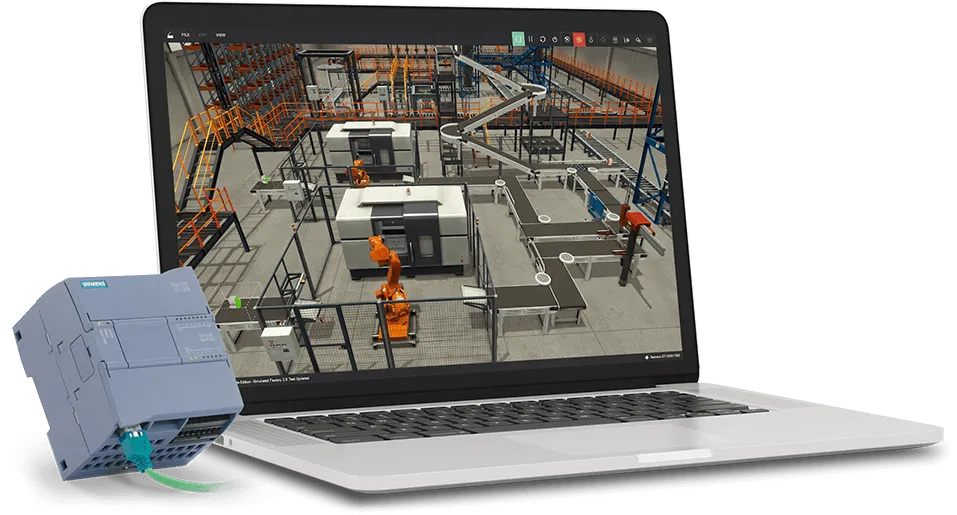
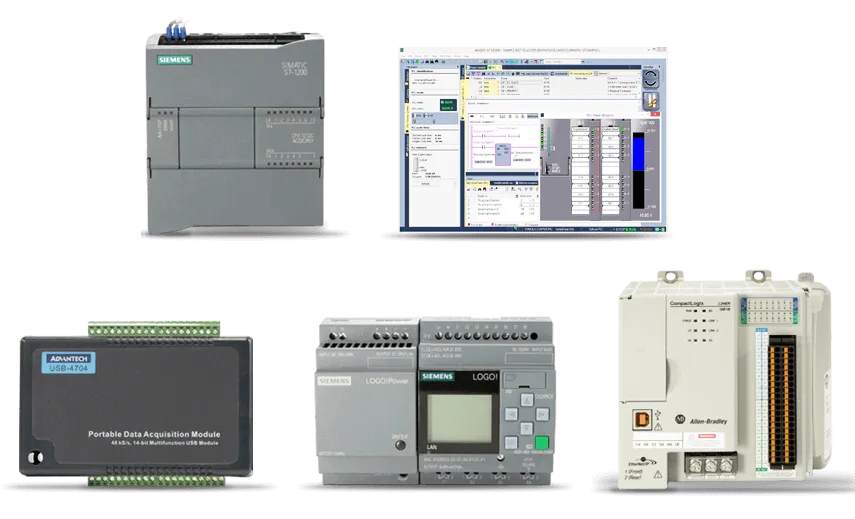
Factory I/O connects to real PLCs, soft PLCs and PLC simulators over Ethernet, OPC UA or Modbus TCP. Siemens and Allen-Bradley PLCs are plug and play.
03
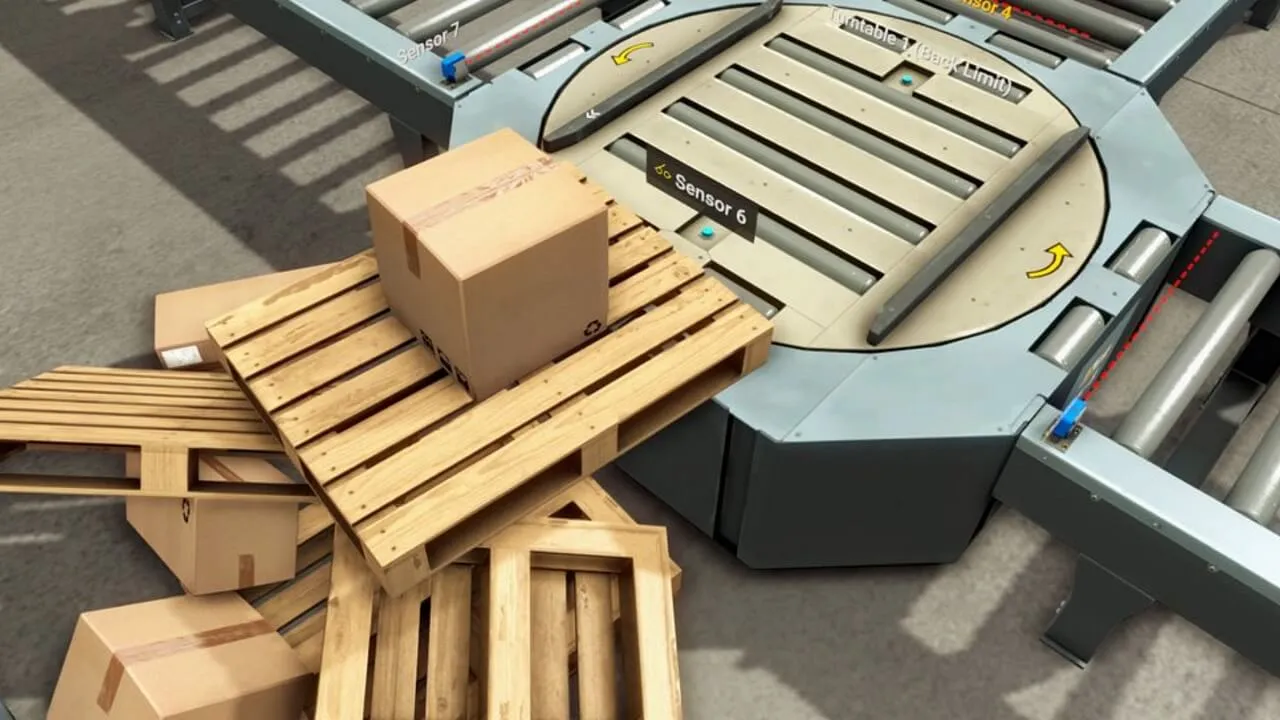
Run your program against a live 3D factory. Inject sensor and actuator faults to practice troubleshooting without risk.
Who it's for
Schools, universities and training centers
Companies, maintenance and automation teams
Why Factory I/O
No risk of injury to people or damage to equipment. A space-saving solution.
Connect leading PLC brands over Ethernet, or use OPC UA, Modbus TCP and PLC simulators.
Bring large-scale industrial applications into your training.
Create custom training scenarios from a library of industrial parts.
Compatibility
Editions
News
News
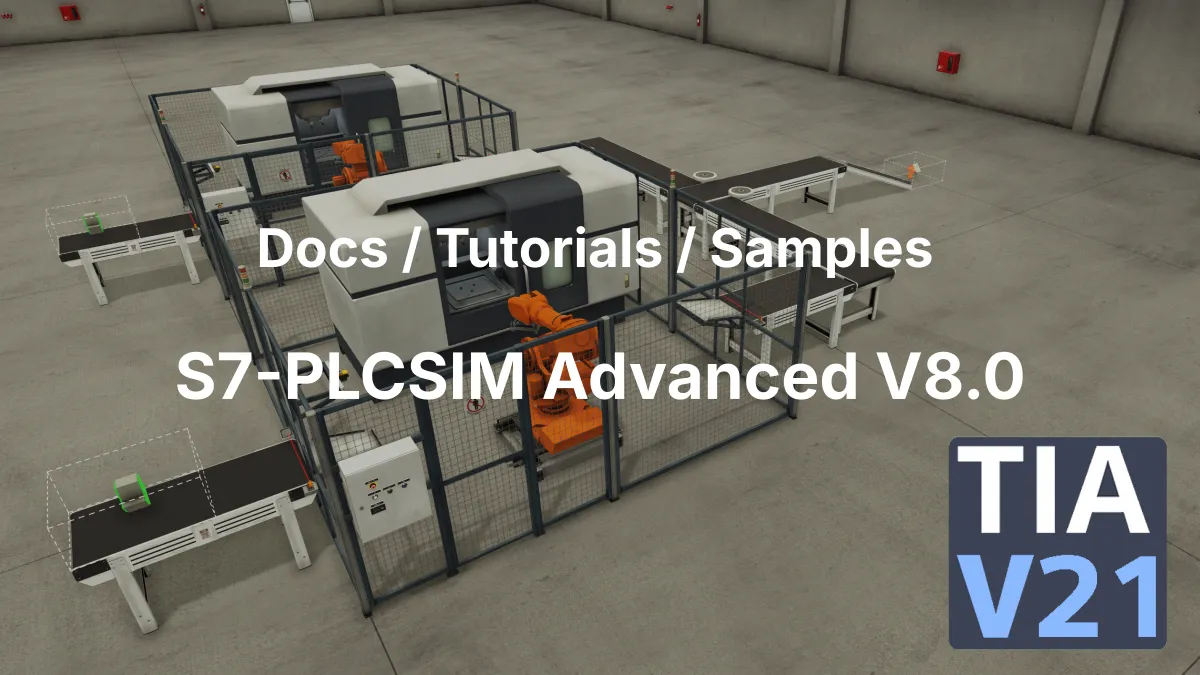
We have updated our documentation, tutorials, and sample projects to fully support Siemens S7-PLCSIM Advanced V8.0.
Release
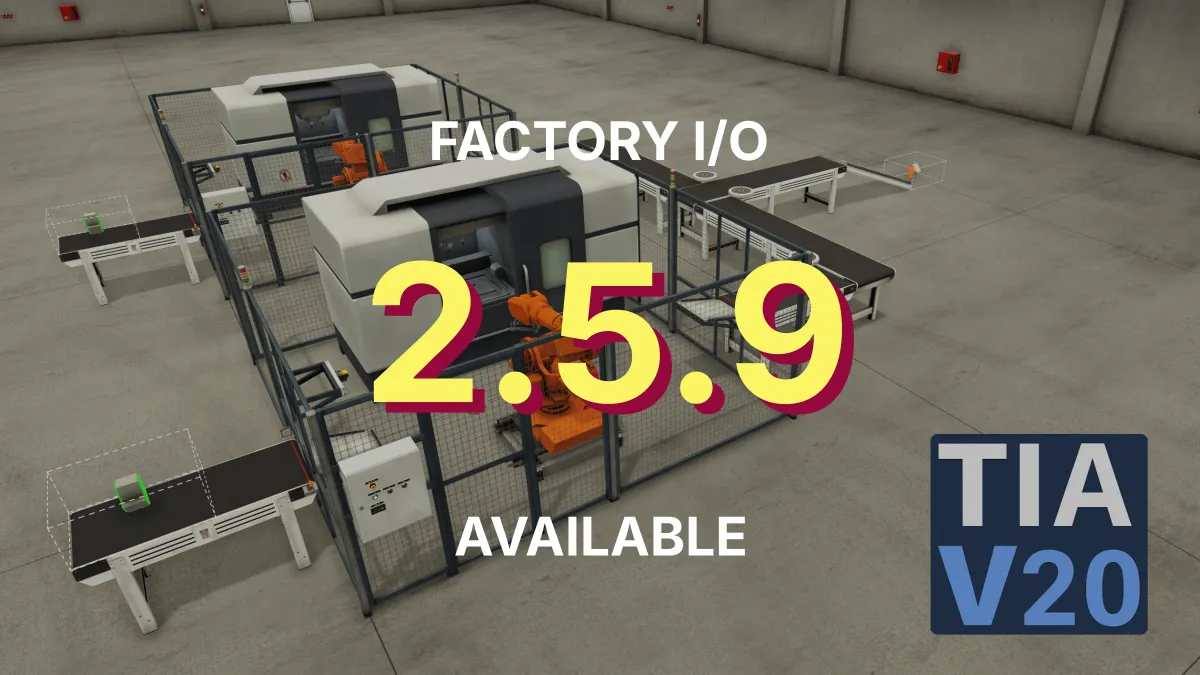
Factory I/O v2.5.9 adds long-awaited support for S7-PLCSIM V20, includes minor bug fixes, and updates documentation for CODESYS OPC UA server integration.
Release
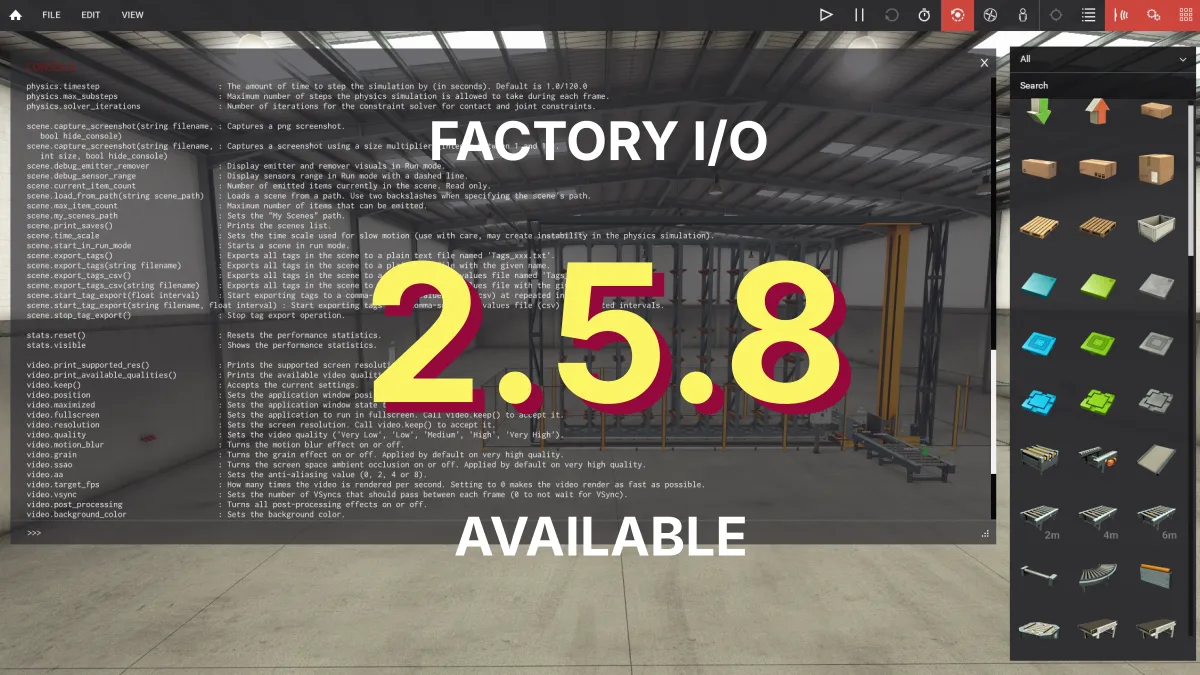
New Factory I/O 2.5.8 maintenance release available. If you've encountered any issues with keyboard input, we strongly recommend updating to this latest version.
Try the full Ultimate Edition free for 30 days. No credit card required.
Questions? Talk to our team or call +351 222 010 288
We use cookies for analytics and to credit our affiliate partners. Necessary cookies are always on. You can choose which others to allow. Privacy policy