Skip to content

Features

Design and simulate

Start from more than 20 scenes inspired by common industrial applications, or create your own training scenarios from a library of industrial parts.

01

20+ ready-to-use scenes

Practice real-world control tasks with more than 20 scenes inspired by typical industrial applications. Use a scene as is, or as the starting point for a new project.
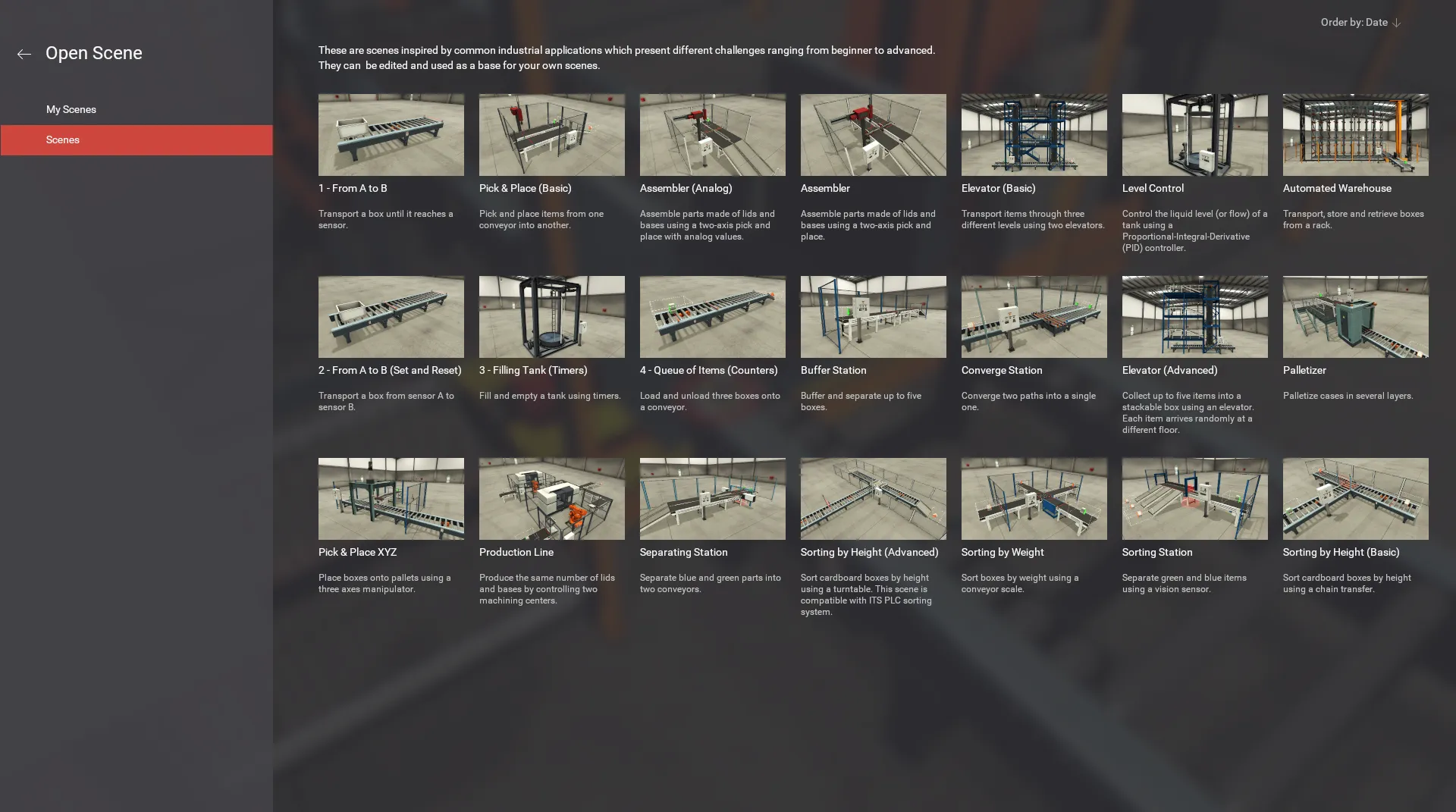
Factory I/O scene browser listing scenes such as From A to B, Filling Tank, Assembler and Automated Warehouse

02

Library of industrial parts

Create a virtual factory from a library of industrial parts, including sensors, conveyors, elevators, stations and more.
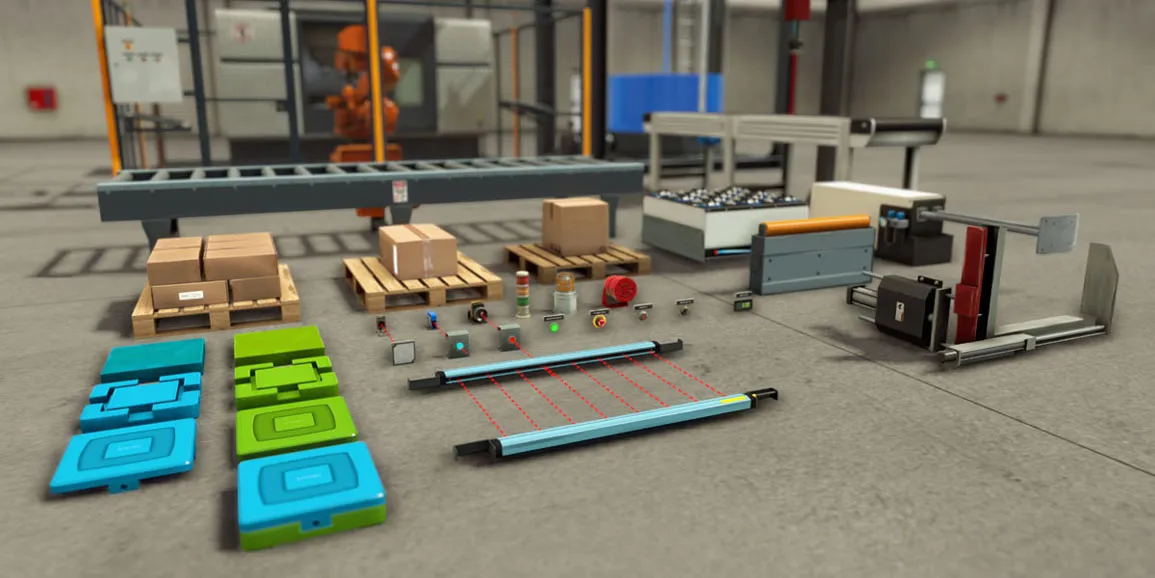
Factory I/O industrial parts laid out on a factory floor: pallets, boxes, conveyors, sensors, a light curtain, push buttons and stations

03

Build your own scenarios

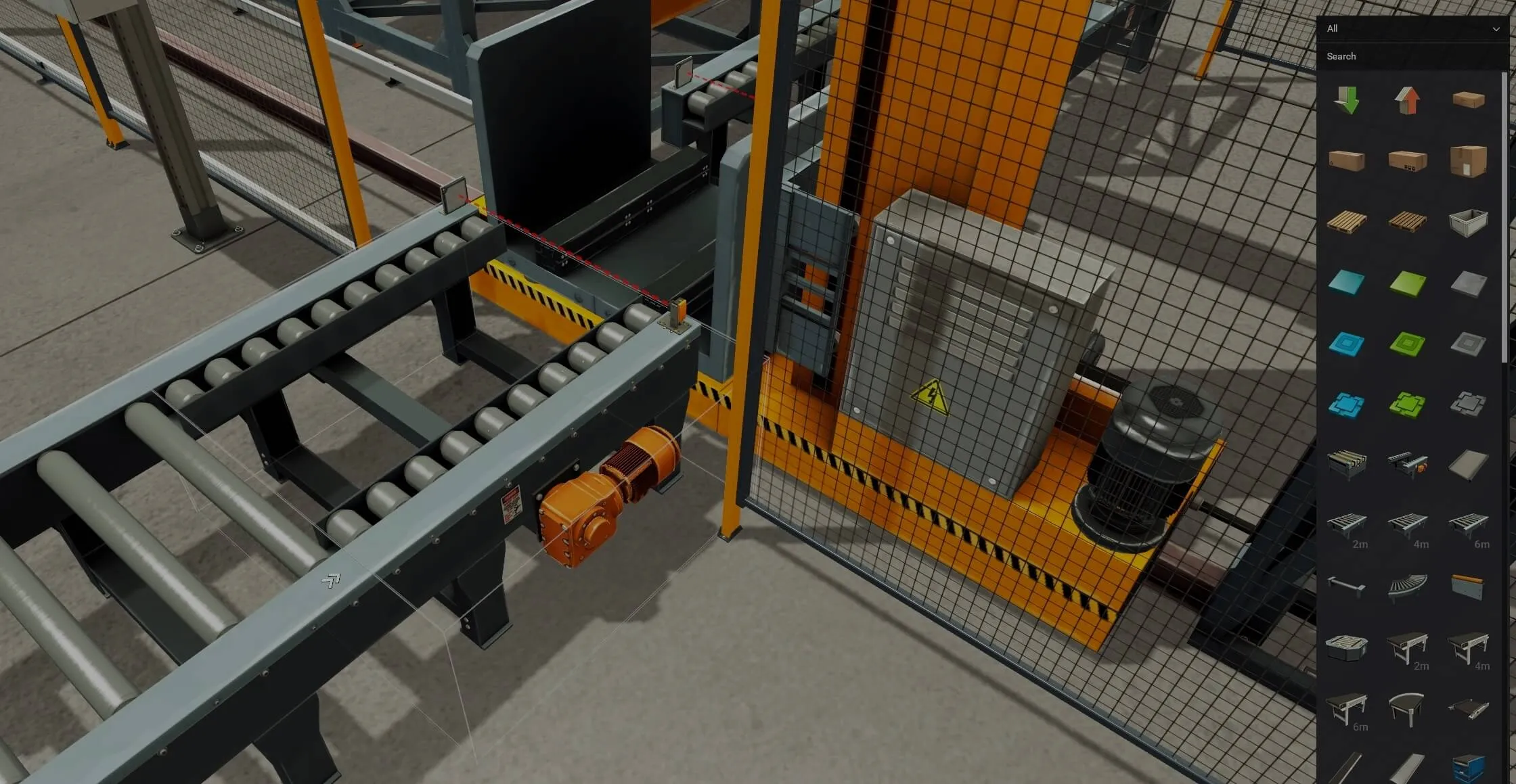
Smart editing tools make building a 3D scene quick and intuitive. Drag parts from the library, snap them into place and create your own training scenarios.
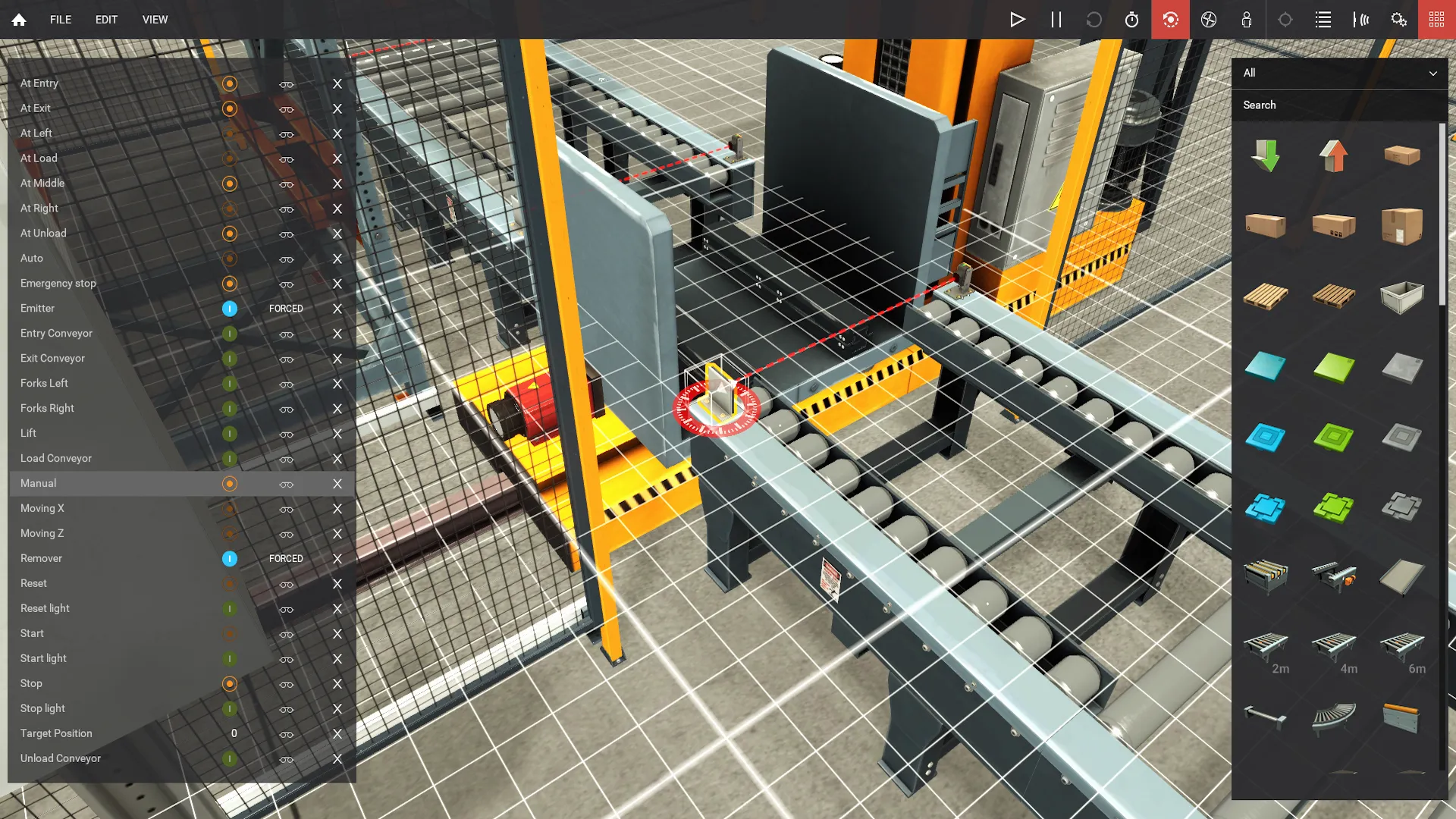
Editing a scene in Factory I/O: the tag list on the left, the parts palette on the right and a roller conveyor selected on the snapping grid

04

Digital & analog I/O

Most parts include digital and analog I/O. For example, use a digital value to start or stop a conveyor or an analog value to weigh items or control liquid levels.
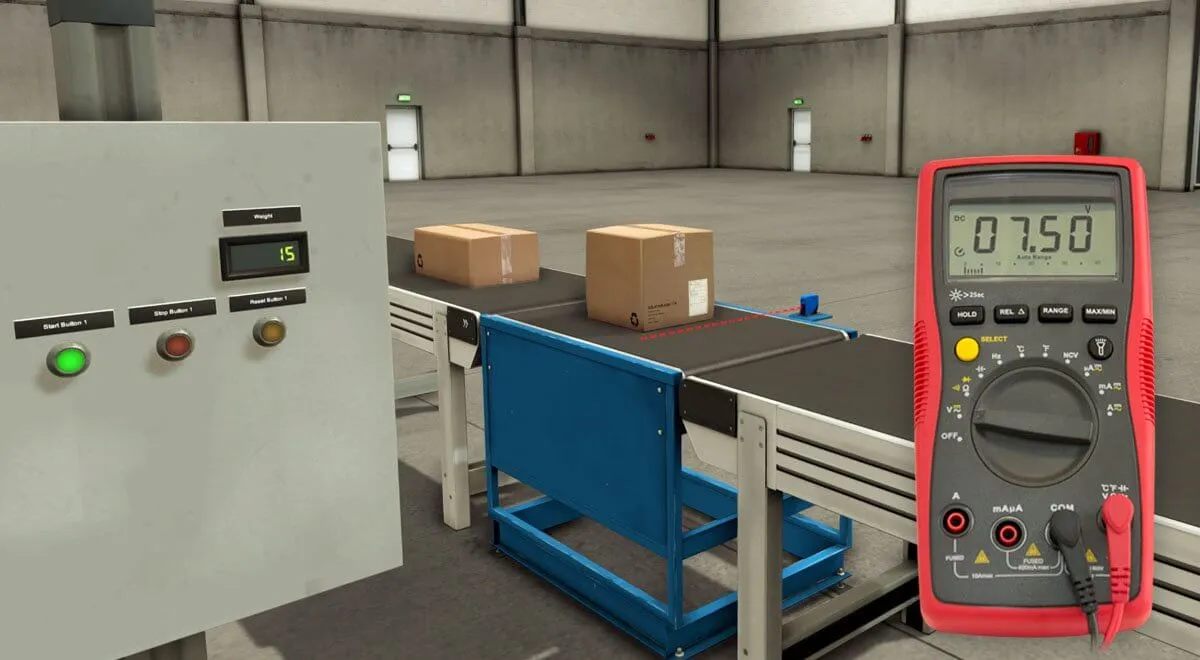
Control panel with push buttons and a digital display next to a conveyor and a multimeter reading 07.50

05

I/O drivers

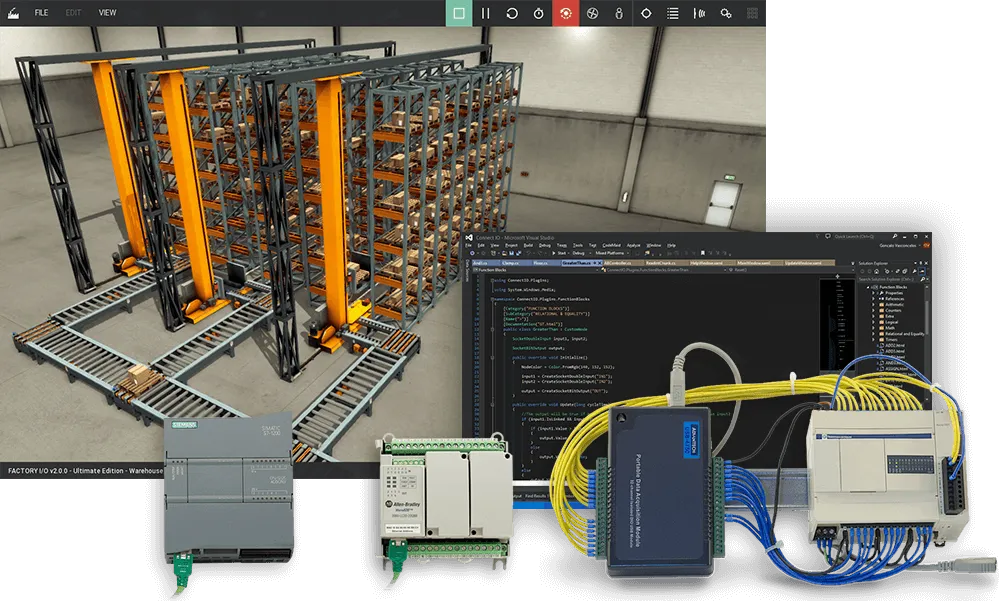
Factory I/O uses drivers to connect to PLCs, soft PLCs, PLC simulators, OPC UA, Modbus TCP and more. Each edition includes the drivers for a specific technology, for example the Siemens or Allen-Bradley Edition.
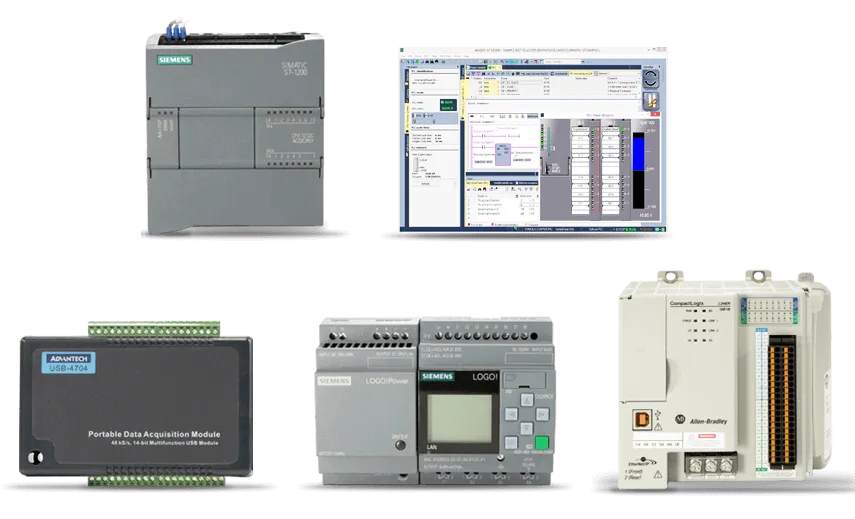
Siemens S7-1200 and LOGO!, Allen-Bradley Micro800, an Advantech USB data acquisition module and a PLC programming tool

06

Troubleshooting

Practice troubleshooting by injecting Always On and Always Off failures into sensors and actuators.
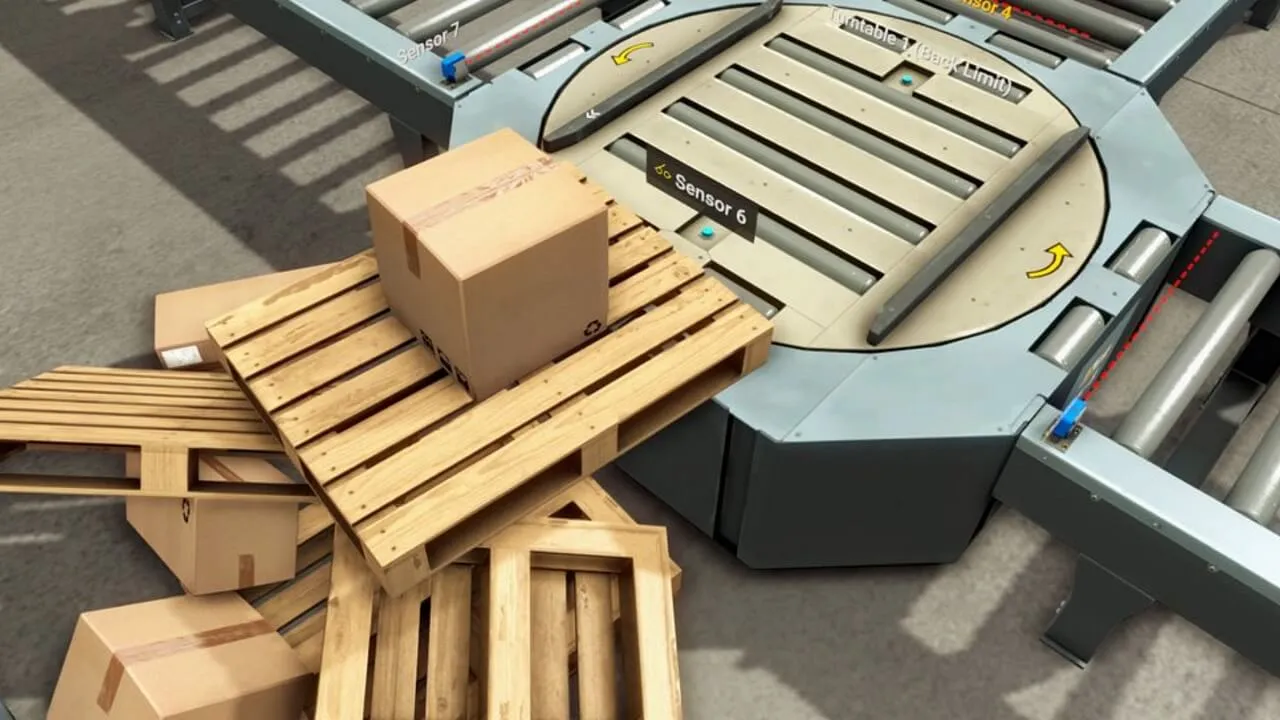
Pallet and boxes jammed on a turntable conveyor in a Factory I/O scene

07

Instructor mode

Lock options behind an instructor password. Challenge trainees to complete partially built systems and to find malfunctions and failures.

Two students working together at computers running Factory I/O in a classroom

08

Easy integration

Easily integrate Factory I/O with existing training equipment. Plug and play with Siemens and Allen-Bradley PLCs over Ethernet, and connect many other PLCs and controllers through OPC UA or Modbus TCP.
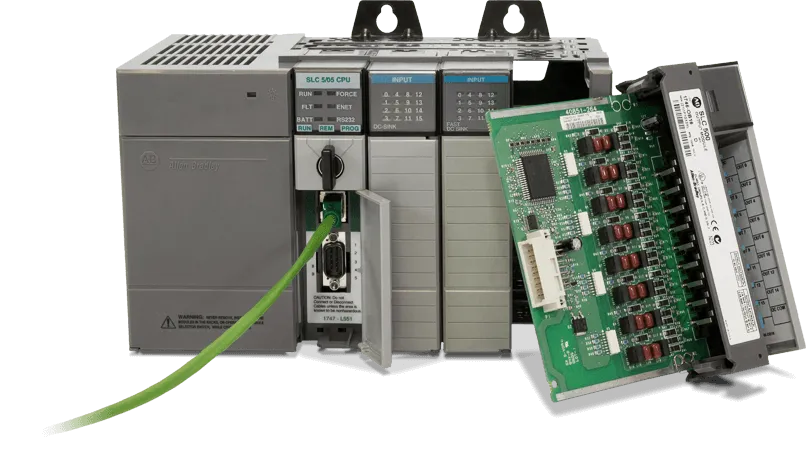
Allen-Bradley SLC 500 PLC with an I/O card and an Ethernet cable

Advantages

Why train with a simulation instead of a physical trainer?

A virtual factory scales from one trainee to a whole team, never wears out and never puts anyone at risk.
  • 20+ ready-to-use industrial scenes in a single license
  • Train a whole class or team at the same time
  • Works with leading PLC brands over Ethernet, OPC UA and Modbus TCP
  • Lightweight: only 800 MB of disk space
  • Take it anywhere, from the lab to a laptop on site
  • Trainees experiment freely, with no risk to people or equipment
  • No wear and tear, and no maintenance

Get every feature

All of this, in every edition

Every edition includes all scenes, all parts and digital & analog I/O. Editions differ in which PLCs and technologies they connect to. Ultimate connects to all of them.
Compare editions
Most complete
Factory I/O automated warehouse scene with a Visual Studio SDK project, Siemens S7-1200 and Allen-Bradley Micro800 PLCs, and an Advantech USB-4750 board wired to a PLC

Ultimate Edition

  • Siemens & Allen-Bradley PLCs
  • OPC UA & Modbus TCP
  • Custom I/O drivers (SDK)

From 278€/year

or 765€ one-time

Ready to put a virtual factory to work?

Try the full Ultimate Edition free for 30 days. No credit card required.

Questions? Talk to our team or call +351 222 010 288