Release
Factory I/O 2.5.0 released
Factory I/O 2.5.0 has been released. This release brings quality of life improvements when working with scene files, several enhancements to Modbus, OPC drivers and the driver window and an updated Factory I/O SDK for .NET Standard. Note that starting with version 2.5.0, on-premise license servers are no longer supported.
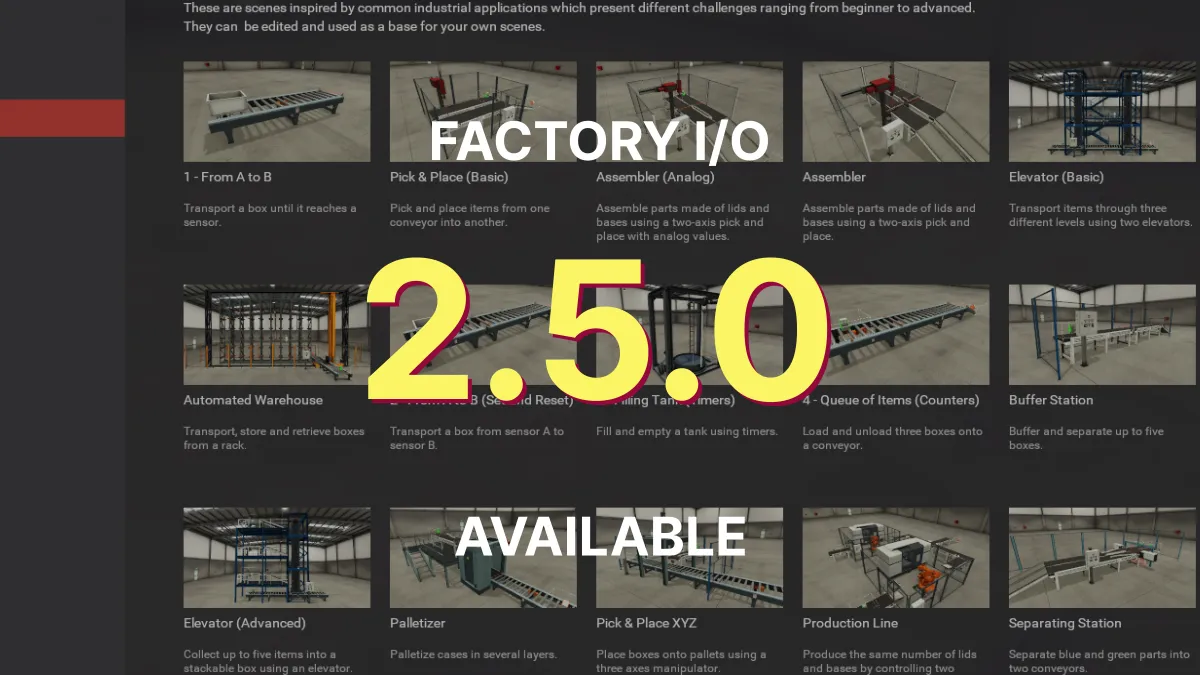
Attention
Starting with version 2.5.0, on-premise license servers are no longer supported.
If you haven’t migrated your legacy floating licenses (cloud or on-premise), please contact us before updating to Factory I/O v2.5.0. Learn more about licenses here.
The new release of Factory I/O 2.5.0 is now available for download. This release brings quality of life improvements when working with scene files, several enhancements to Modbus and OPC drivers, the driver window and an updated Factory I/O SDK for .NET Standard. We recommend that all Factory I/O users update to this latest stable release.
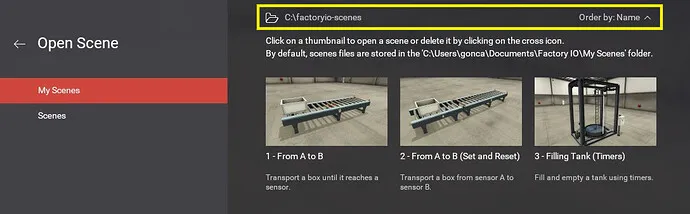
Open and Save windows now allow changing the default directory, and choosing how the scenes are ordered.
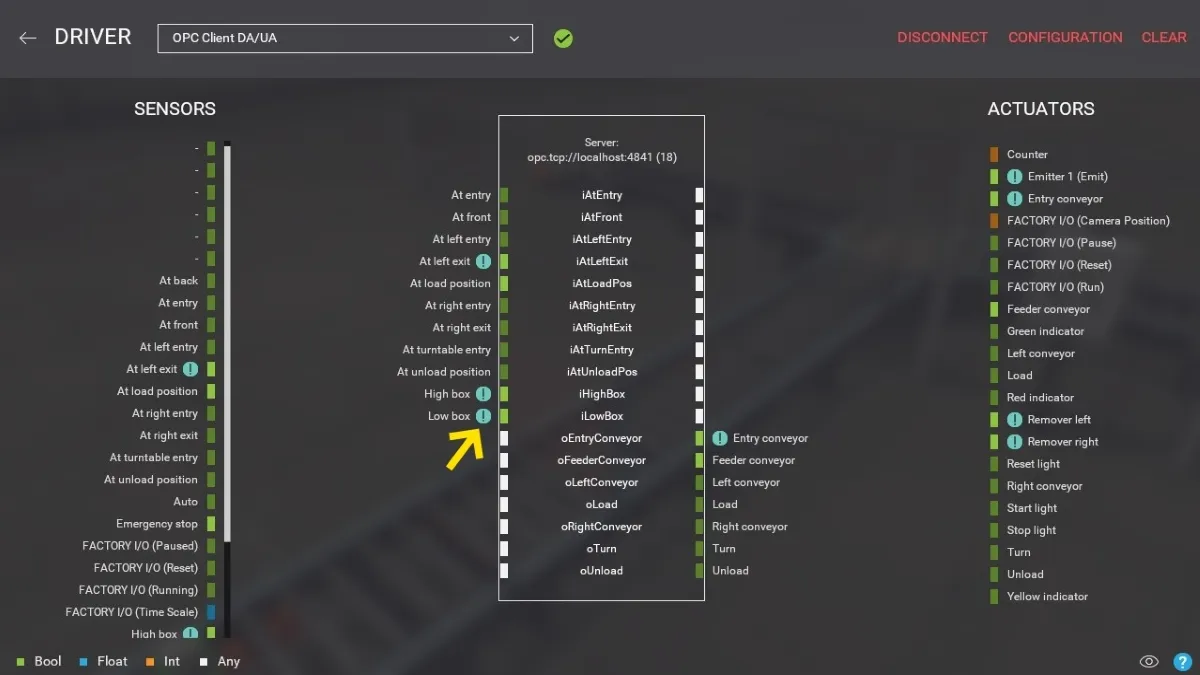
Forced tags are now displayed with a warning icon in the driver window.
Another major change: support for on-premise license servers has been dropped.
Release Notes
- Core: ‘Open’ window defaults to the ‘Scenes’ tab when ‘My Scenes’ is empty.
- Core: Added option to change directory when opening or saving scenes.
- Core: Added option to choose how to order scenes in the ‘Open’ and ‘Save’ windows.
- Core: Show sensor and actuator tags by default on clean installs.
- Drivers: Added a warning icon next to forced tags in the driver window.
- Drivers: Increased the maximum Modbus item starting address from 32767 to 65535.
- Drivers: Fixed several bugs and improved performance on OPC driver.
- Parts: Digital display now uses a monospaced font.
- Documentation: Improved information about tag data types.
- SDK: Updated SDK to .NET Standard.
- Licensing: On-premise license servers are no longer supported.